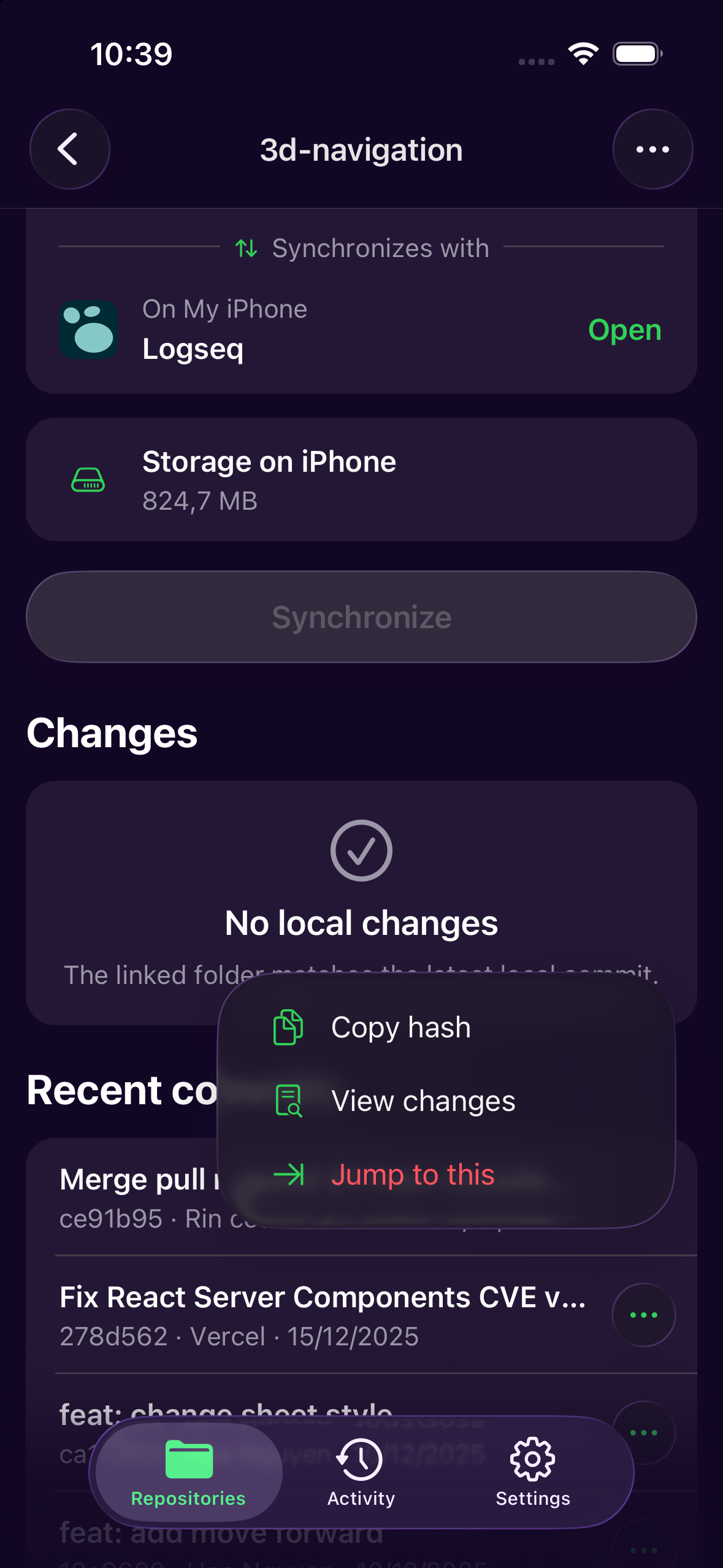
Move through history without losing context.
Open a recent commit, inspect its changes, or jump directly to that point in the repository history.
Keep Git history for your Obsidian notes, Logseq file graph, or other local project folder. Link a compatible On My iPhone folder to GitHub, review changes, and tap Synchronize. Keep editing in the app you already use.
Now on the App Store · iOS 26 or later
For On My iPhone folders · GitHub
No force-pushUse the same local folder in Files and the apps that can open it. LocalGit handles the Git steps when you choose to synchronize.
If the same file changed on both sides, LocalGit pauses for recovery so you can choose the iPhone or GitHub version.
Read the Files and Git guide →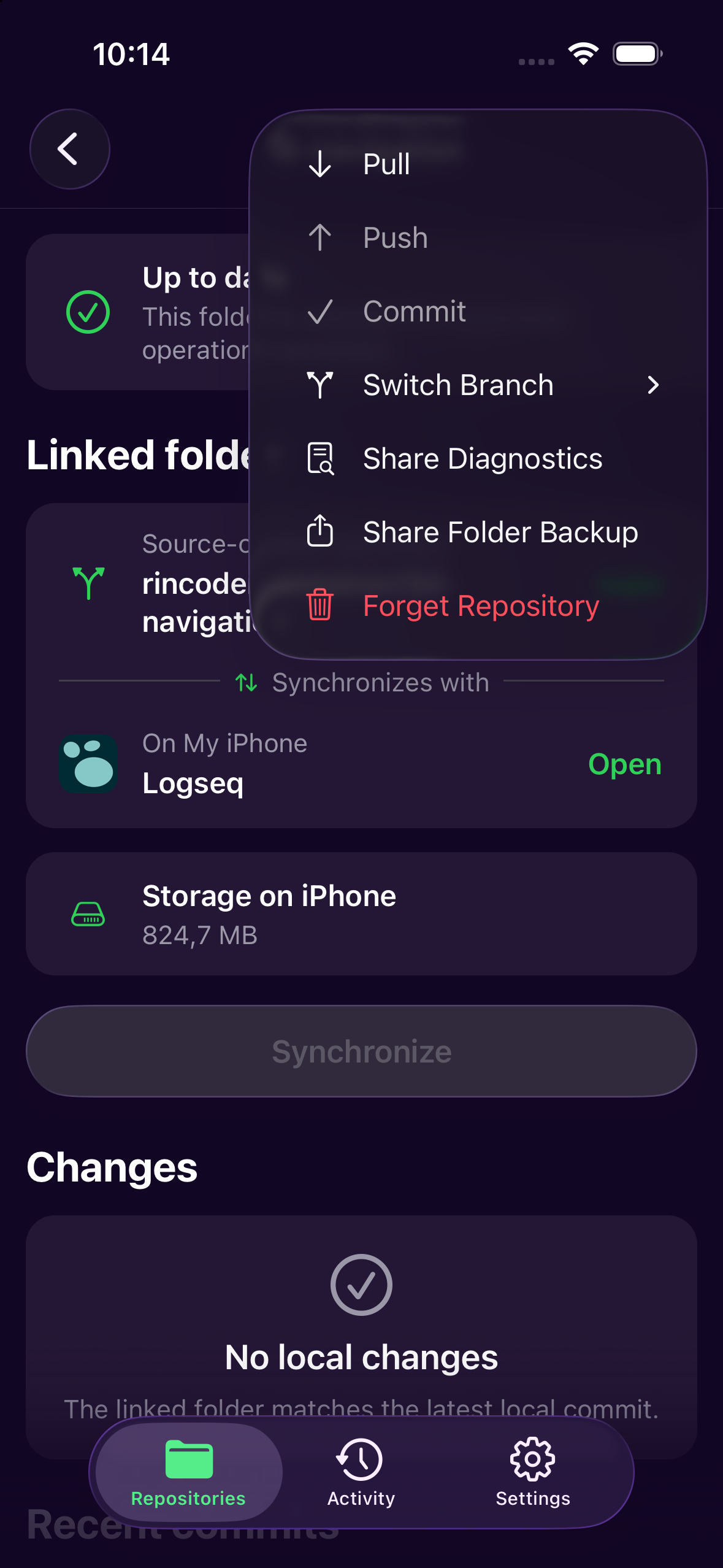
Review history, recover from conflicts, automate repeat work, and send feedback—all from iPhone.
Open a recent commit, inspect its changes, or jump directly to that point in the repository history.
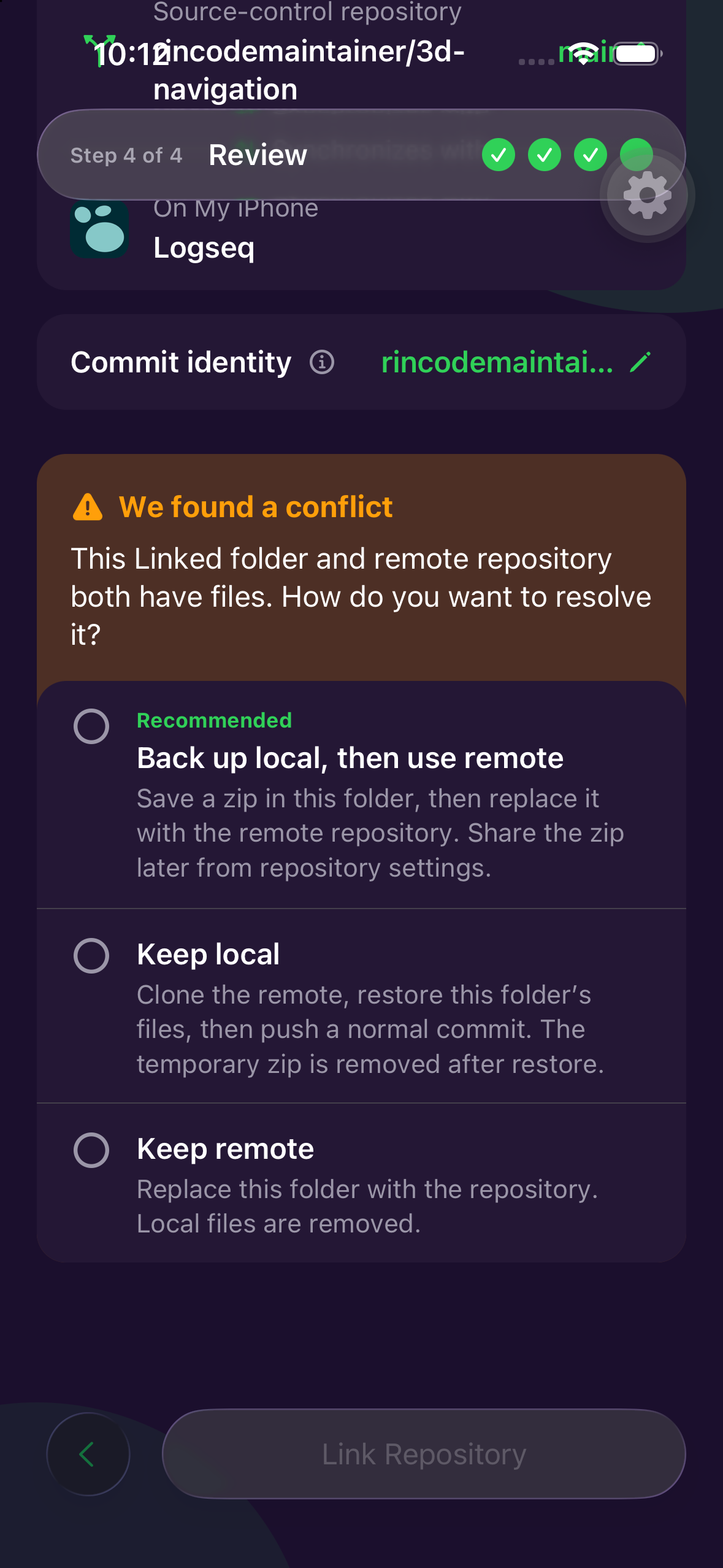
When local and remote files conflict, choose whether to back up local work, keep local, or keep remote.
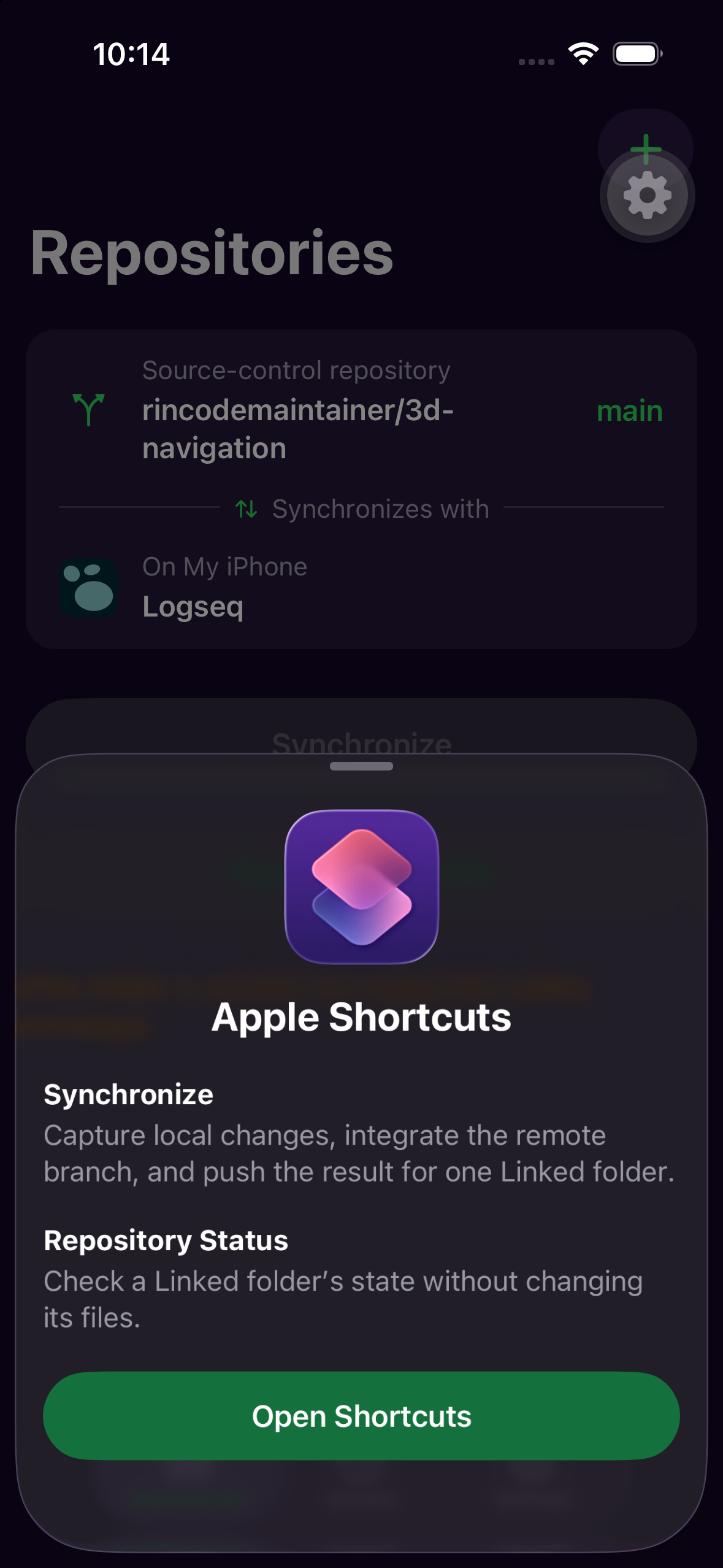
Use first-class Apple Shortcuts actions to synchronize a Linked folder or check its status.
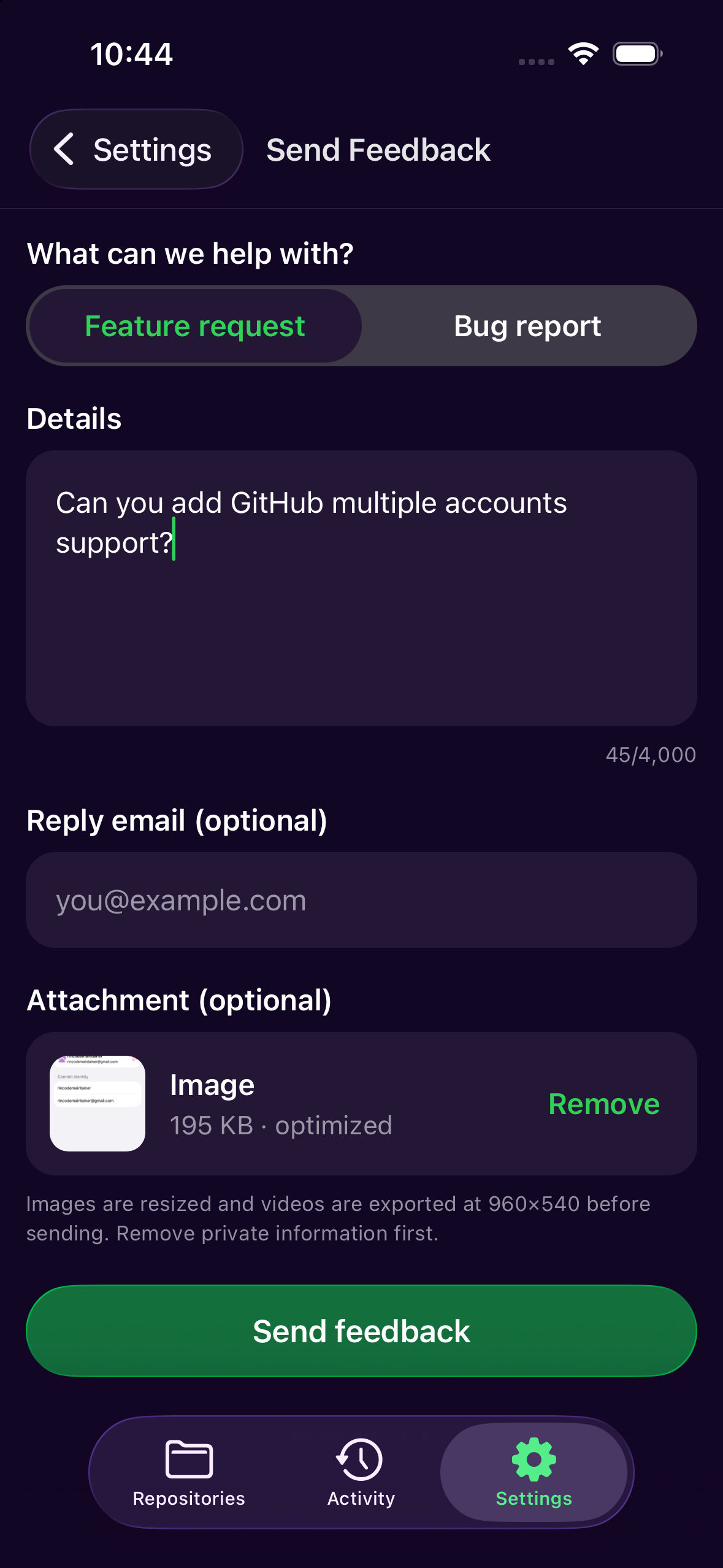
Share a feature request or bug report, with an optional attachment, without leaving your workflow.
Feature 1 / 4
Use one Linked folder with the complete safety workflow. When you are ready to manage several active projects, Pro brings them together without weakening the rules that keep each repository recoverable.
Pro is a preview. No checkout yet; nothing is charged.
FREE
PRO
Recovery, diagnostics, export, and access to your content are never used as upgrade pressure.
No last-write-wins. No conflict markers in your folder until you choose iPhone or GitHub.
A coherent snapshot of the Linked folder, then GitHub.
Merge when it is safe. Never rebase or force-push.
A conflict keeps both histories until you choose.
Yes, if the folder is visible under On My iPhone. LocalGit links it to a writable GitHub repository. It cannot read another app’s private storage or sync an iCloud Drive folder.
Synchronize captures local changes in your Linked folder, integrates the remote branch when it is safe, and pushes the result. LocalGit does not rebase or force-push.
Only when the app can use a Files-visible On My iPhone folder. Logseq database graphs are outside this file-graph workflow. Test with disposable notes before relying on it; Git synchronization is not continuous backup.
Yes. Connect a GitHub account and choose an HTTPS repository where you have push permission.
Synchronize stops and preserves both histories. In Recovery, choose the iPhone or GitHub version for each affected path before pushing. Conflict markers are not left in your folder until you choose.
Yes. Use the Synchronize and Repository Status actions. Many people run Synchronize quietly when Obsidian or Logseq opens or closes, and keep Attention notifications on for the rare case that needs a choice.
For the narrower job of synchronizing a local Files folder with GitHub, it may fit. It does not import a Working Copy repository locally or replace that app’s full Git toolkit.
Keep versioned notes and files on GitHub. Find the setup for your local folder or compare LocalGit with Working Copy.
iOS 26 or later, GitHub, and a local On My iPhone folder.